Is Zakifi free?
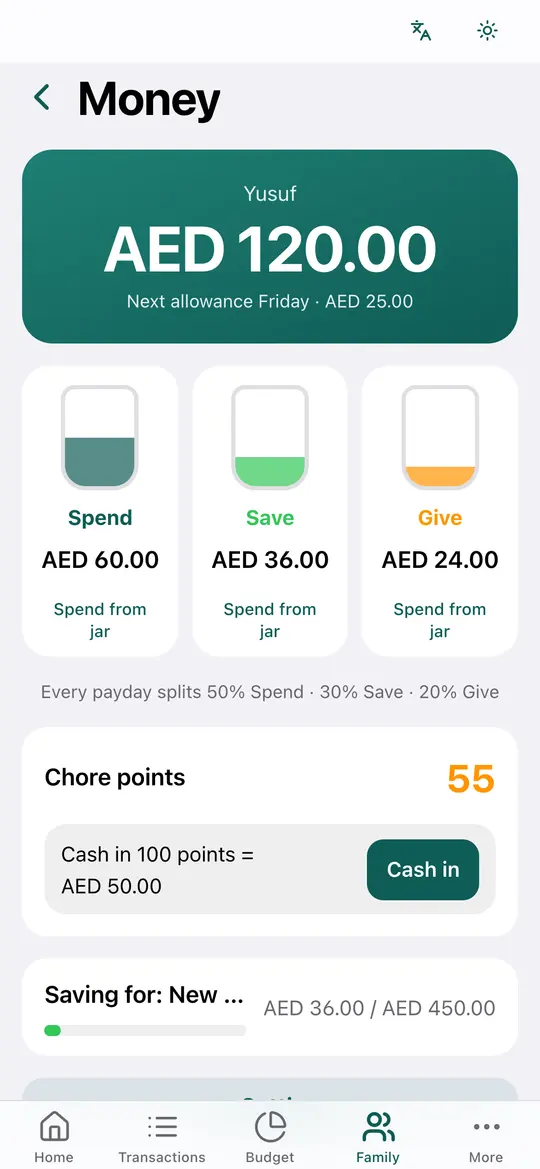
Yes. Zakifi has no subscriptions, no paid features and no ads.
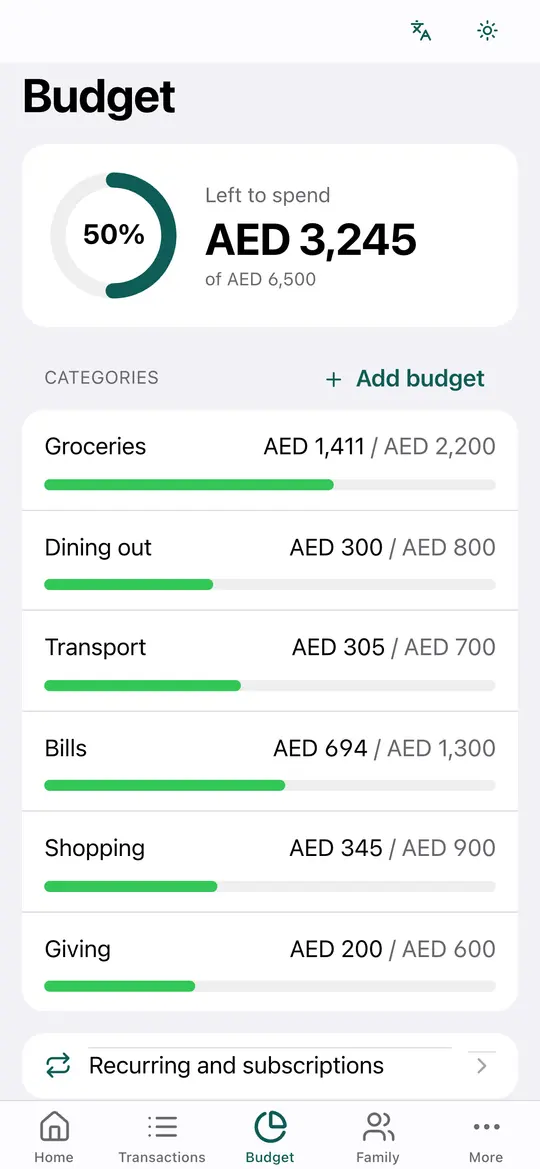
Does Zakifi connect to my bank?
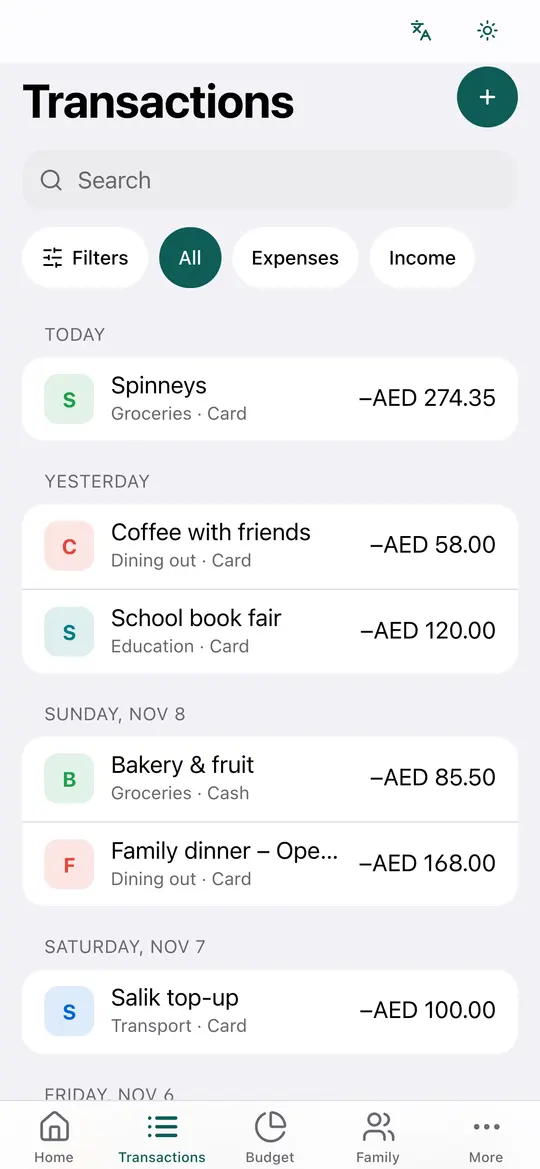
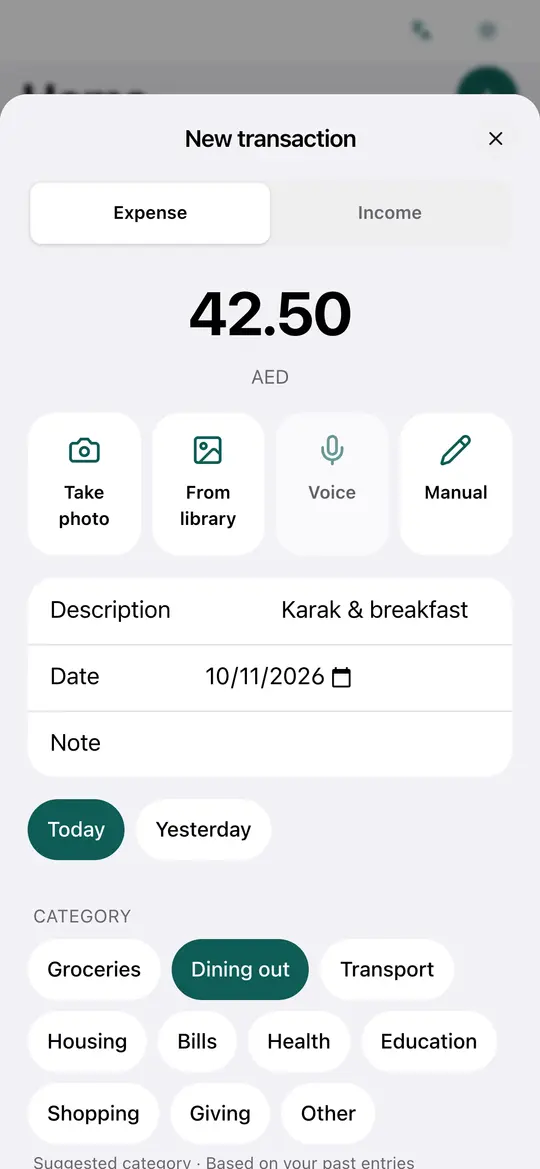
No. You add your income and spending yourself. Zakifi does not connect to banks, move money, offer loans or give investment advice.
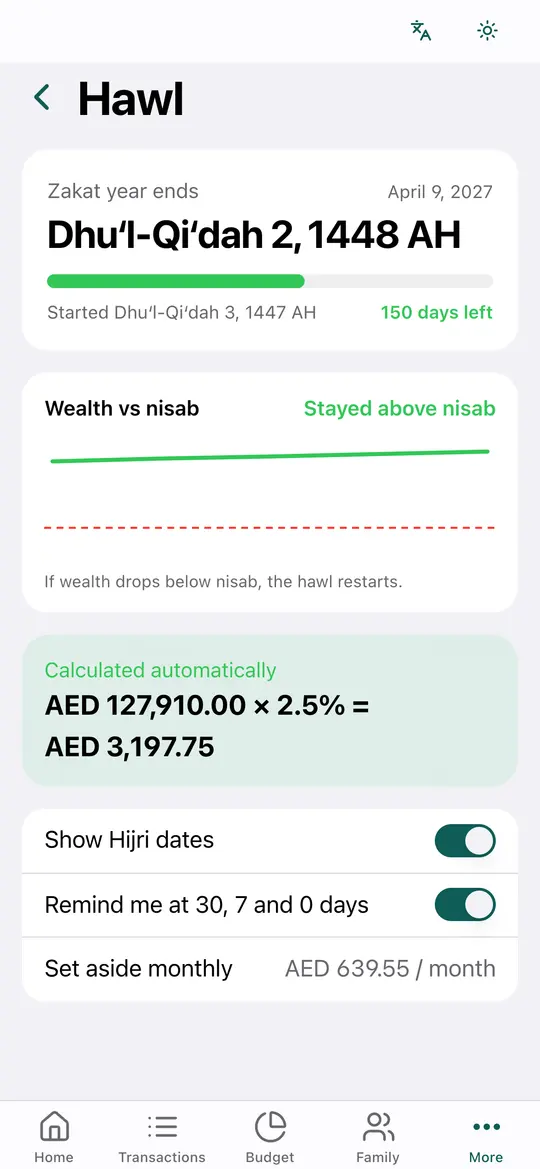
Is the zakat result a fatwa?
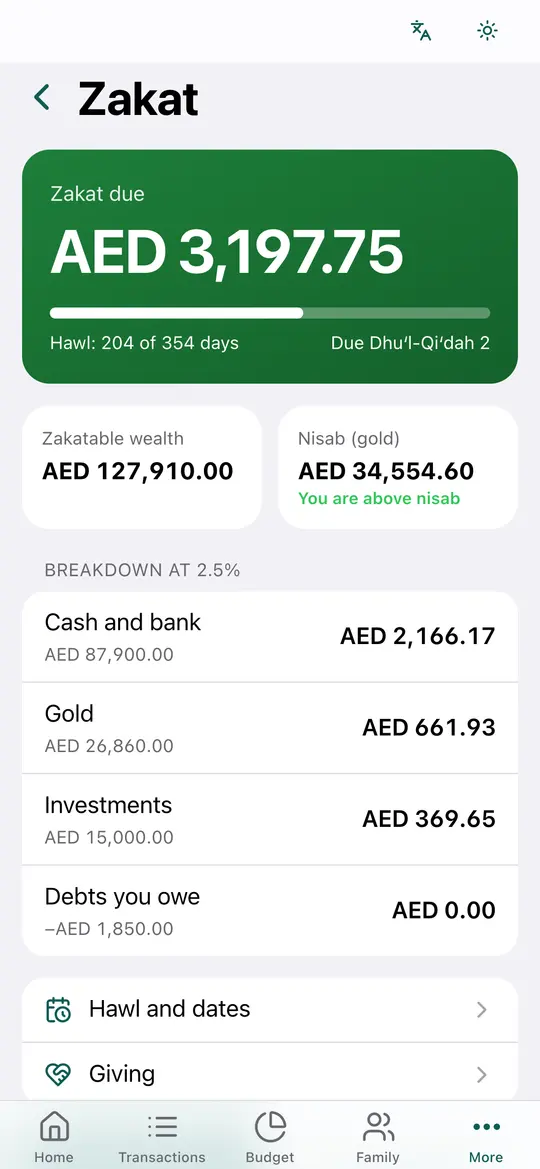
No. It is an estimate from a calculator, using the figures and settings you choose. It has not been reviewed by a scholar. Please check with a scholar you trust before you pay.
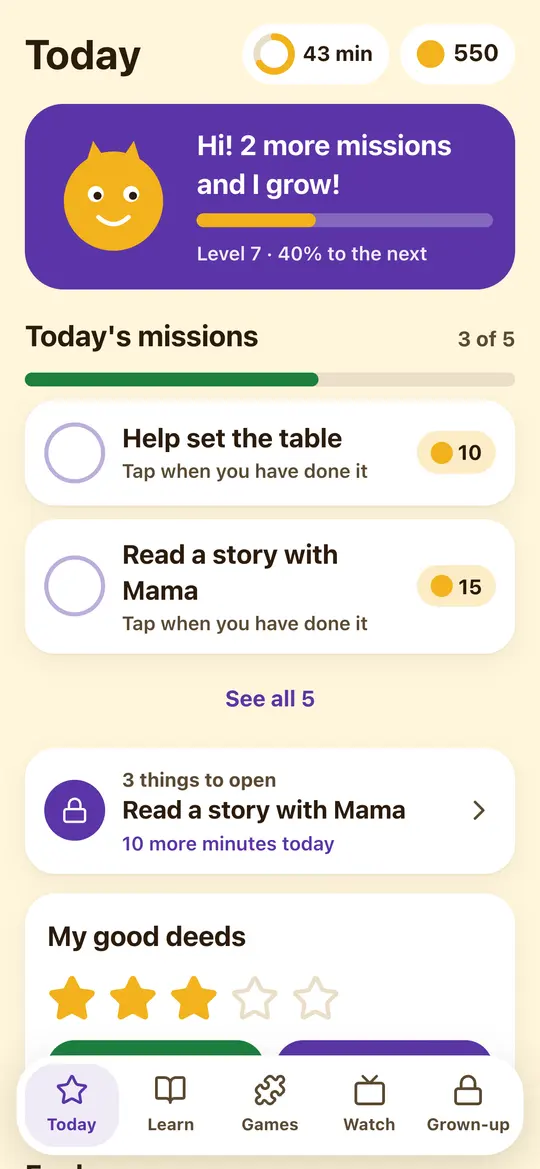
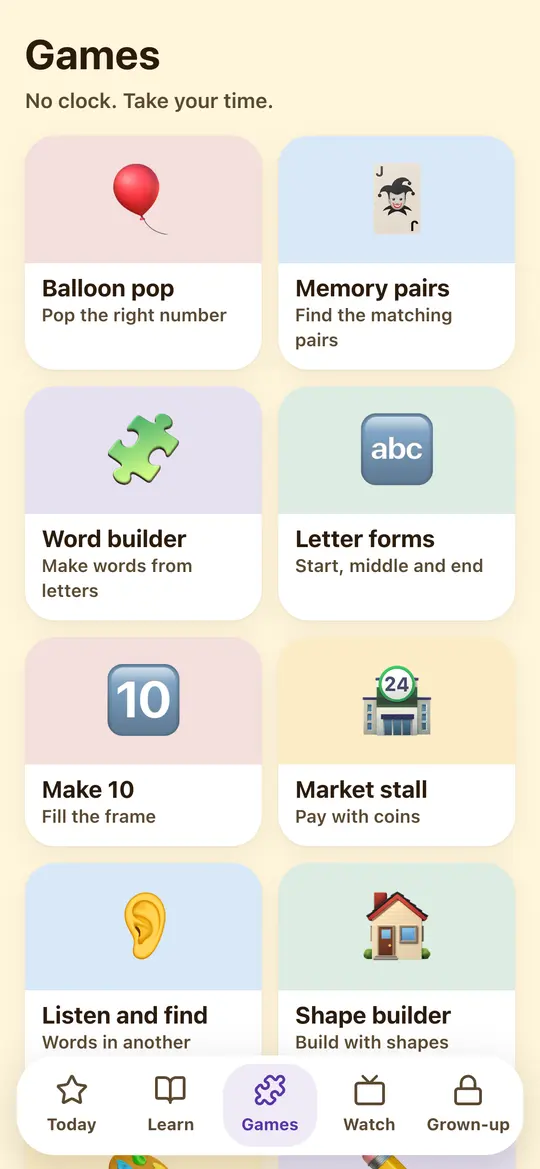
What does Kids Space collect about my child?
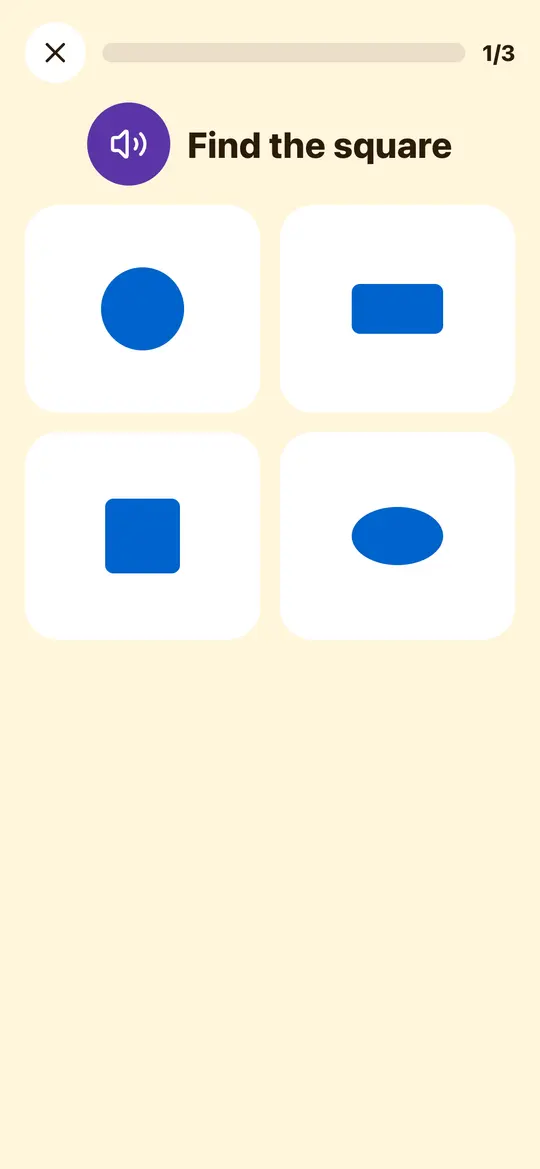
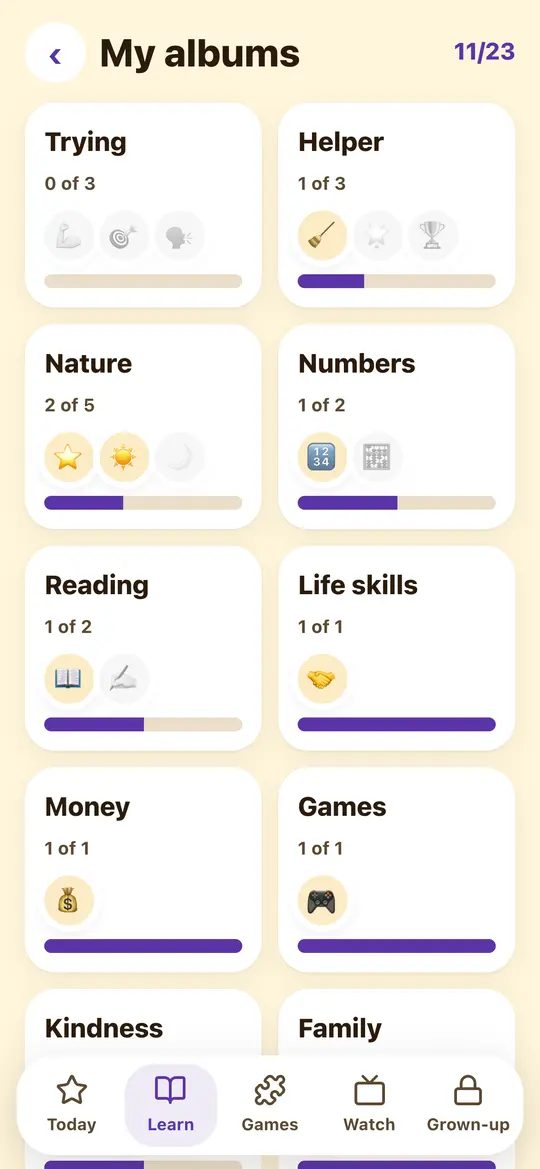
Kids Space does not ask for a child's name, age, birthday, photo, email, school or location, and the child has no account. A parent sets it up, chooses what is inside and can delete it at any time.
How do I delete my account?
In the app, go to More, then My account, then Delete my account. Without the app, email support@zakifi.com from your account email.
Which languages does Zakifi support?
English, Arabic and Urdu, with light and dark themes.


}.zk-t{fill:var(--art-tint,%23E3F3F0)}.zk-a{fill:var(--art-accent,%23B98114)}.zk-s{fill:var(--art-surface,%23FFFFFF)}.zk-m{fill:var(--art-muted,%23CFE3DF)}%20.zk-sh{fill:none;stroke:var(--art-surface,%23FFFFFF);stroke-width:9;stroke-linecap:round}%20.zk-ring{fill:none;stroke:var(--art-muted,%23CFE3DF);stroke-width:3;stroke-dasharray:2%2010;stroke-linecap:round}%20.zk-in{fill:none;stroke:var(--art-surface,%23FFFFFF);stroke-width:2;opacity:.35}%20@media%20(prefers-color-scheme:dark){%20.zk-p{fill:var(--art-primary,%234CC2B0)}.zk-t{fill:var(--art-tint,%2312302C)}.zk-a{fill:var(--art-accent,%23E0AC45)}.zk-s{fill:var(--art-surface,%23142321)}.zk-m{fill:var(--art-muted,%2323403B)}%20.zk-sh{stroke:var(--art-surface,%23142321)}%20.zk-ring{stroke:var(--art-muted,%232F5650)}%20.zk-in{stroke:var(--art-surface,%23142321)}%20}%20%3c/style%3e%3ccircle%20class='zk-t'%20cx='160'%20cy='122'%20r='100'/%3e%3ccircle%20class='zk-ring'%20cx='160'%20cy='120'%20r='86'/%3e%3cellipse%20class='zk-m'%20cx='160'%20cy='206'%20rx='50'%20ry='6'/%3e%3cpath%20class='zk-p'%20d='M160%2042L218%2062V110C218%20150%20194%20180%20160%20196C126%20180%20102%20150%20102%20110V62Z'/%3e%3cpath%20class='zk-in'%20d='M160%2054L207%2070V110C207%20143%20188%20168%20160%20183C132%20168%20113%20143%20113%20110V70Z'/%3e%3cpath%20class='zk-sh'%20d='M146%20114V102A14%2014%200%200%201%20174%20102V114'/%3e%3crect%20class='zk-s'%20x='136'%20y='112'%20width='48'%20height='38'%20rx='8'/%3e%3ccircle%20class='zk-p'%20cx='160'%20cy='127'%20r='5.5'/%3e%3crect%20class='zk-p'%20x='157.5'%20y='129'%20width='5'%20height='11'%20rx='2.5'/%3e%3cpath%20class='zk-a'%20d='M244%2070L250%2078L244%2086L238%2078Z'/%3e%3cpath%20class='zk-a'%20d='M78%20150L82%20156L78%20162L74%20156Z'/%3e%3ccircle%20class='zk-a'%20cx='86'%20cy='64'%20r='4'/%3e%3c/svg%3e)